
Installing Proxmox Backup Server
This article goes over steps for installing Proxmox Backup Server. There is multiple options on where to run PBS instance, however for best performance running it on seperate bare metal machine would be the best option. PBS can run in virtual machine if needed, just like any other OS with ISO image. If PBS runs in vm do not select that vm when scheduling backup job with PBS.
Prerequisite is machine ready and Proxmox Backup Server ISO flashed to flash drive
Installing PBS
- Boot the machine and select flash drive with ISO image
- Install PBS with a graphical user interface
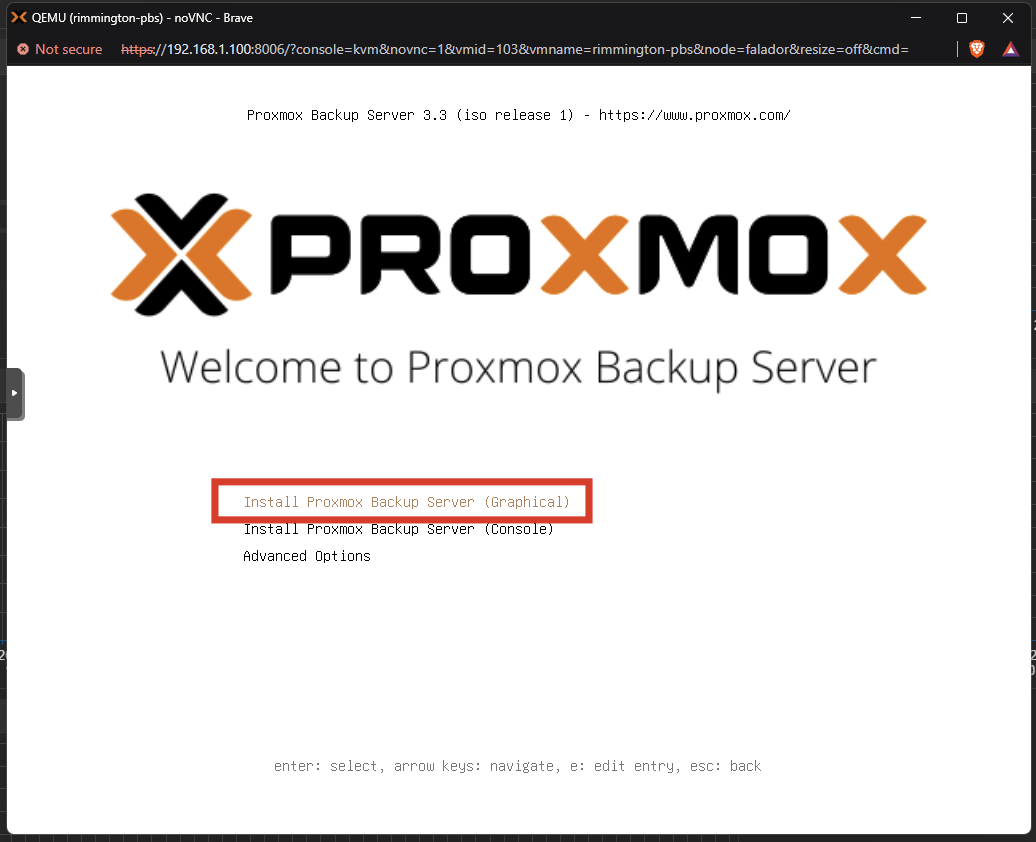
- Accept EULA
- Select Target Disk to where OS will live (Hopefully separate from main storage if you have couple)
- Fill in your country, timezone and keyboard layout
- Choose a unique password and fill in your email address for your root access (you can disable root later)
-
Fill in your network details
-
ID: A name for the connection, e.g., pbs-backup
-
Managment Interface: unless you want/have a different interface, leave this as default
-
Hostname: "NameOfYourPBS":local
-
IP Address: Choose a static IP address
-
Gateway: Fill in the gateway
-
DNS server: Fill in a DNS server
-
- Finish the installation by clicking continue
- Access the PBS Dashboard by going to its [IP Address] and pot 8007 eg. https://192.168.1.101:8007